Lock Windows settings on client PCs
Security settings lock Windows tools and settings on client PCs so customers cannot uninstall software, edit the registry, change the clock or change the PC's network.
Before you start
You are signed in with the Admin account or a staff account with permission, and the client PCs are connected to the server.
What can be locked
Group | Items |
|---|---|
Bảo mật chung (General security) | Disable CD-ROM autorun, Task Manager, Registry editor. |
Control Panel | Hide Add or remove programs, Administrative Tools, Date and Time, Network connections, Regional and language settings, System, User Account. |
Turn locks on or off
- Choose Hệ thống › Tùy chỉnh hệ thống › Cấp quyền cho tất cả máy trạm (System › System settings › Permissions for all client PCs). The Tùy chỉnh bảo mật (Security settings) window opens.
- Tick the items to lock and untick those to allow.
- Click Đồng ý (OK).
New interface
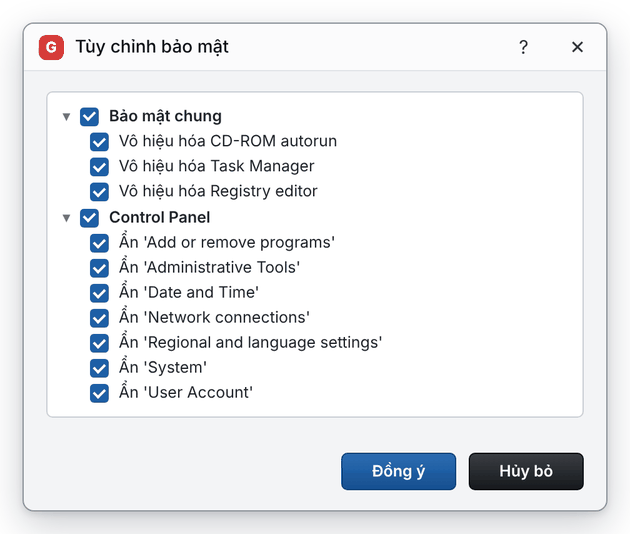
Classic interface
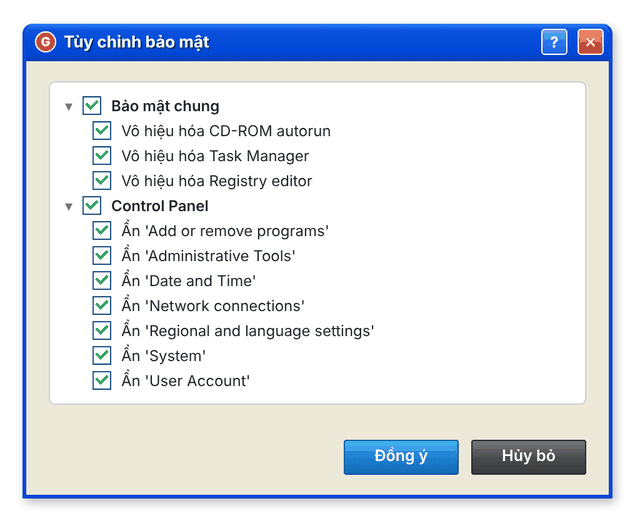
Result: the settings apply to the connected client PCs.
💡 Tip: Keep Task Manager and Registry editor locked: they are the two tools most often used to stop billing software on client PCs.