Block applications on client PCs
The application block list stops client PCs from running programs you do not allow, such as network-attack tools or the command prompt. Listed applications are blocked on every client PC.
New interface
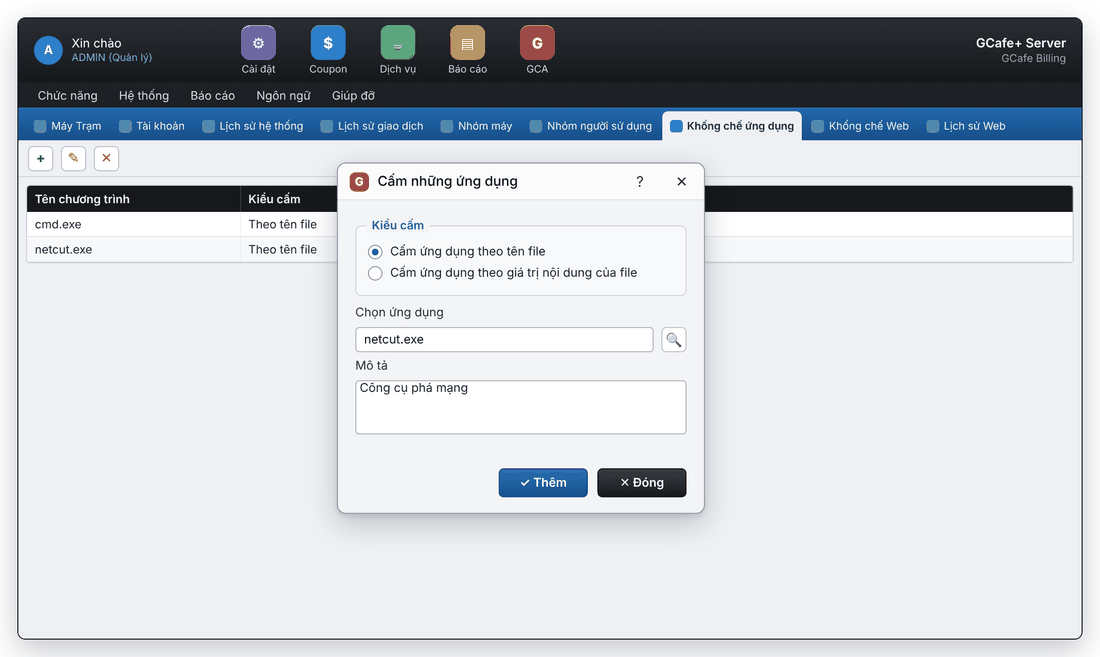
Classic interface
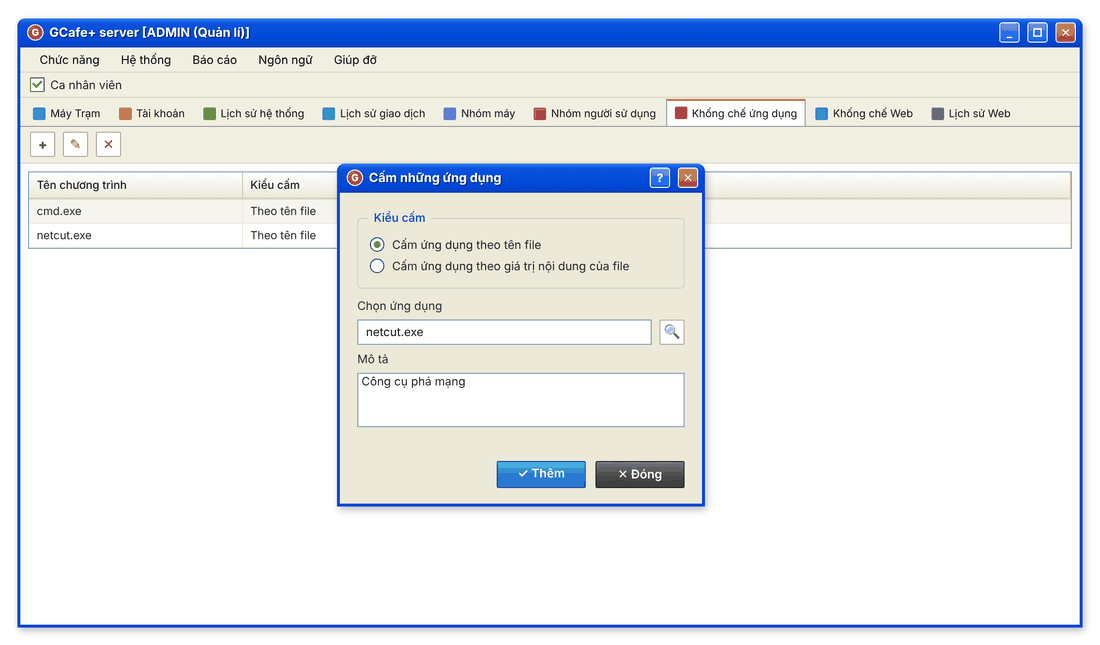
Add an application to block
- Open the Không chế ứng dụng (Application blocking) tab and click Add (+). The Cấm những ứng dụng (Block applications) dialog opens.
- Choose Kiểu cấm (block type):
- Cấm ứng dụng theo tên file: block by file name, e.g.
netcut.exe. - Cấm ứng dụng theo giá trị nội dung của file: block by file content, so it is still blocked if renamed.
- Cấm ứng dụng theo tên file: block by file name, e.g.
- In Chọn ứng dụng (choose application), type the file name or click 🔍 to pick the file.
- Add a Mô tả (description) if needed and click Thêm (Add). Click Đóng (Close) when done.
Edit or unblock
- Edit: select the application, click Edit (✎), change it, click Thêm to save.
- Unblock: select it, click Delete (✕), then Yes.
Common errors
Message | Cause | What to do |
|---|---|---|
"Nhập sai. Lý do có thể là: Tên của chương trình không được để trống" (program name cannot be empty) | No application was entered. | Type the file name or pick the file with 🔍. |
"Tên ứng dụng cần không chế đã tồn tại trong danh sách" (already in the list) | The application is already blocked. | No need to add it again; edit the existing row if needed. |